
GoldenRoo App for iOS and Android
GoldenRoo app exists in both Android and iOS versions, without making any difference between these two platforms. All users, regardless of using any of the above-mentioned platforms, will equally benefit from all services provided by GoldenRoo and will have to go through similar simple downloading steps. If you use either Samsung Galaxy, Google Pixel, iPhone, or iPad, GoldenRoo will provide the same experience. It unites all users in the same room, where everyone gets promotions at the same time.
How to Add PWA on Android

The GoldenRoo app download for Android without accessing Google Play. You just need to access the website of GoldenRoo on your preferred Android browser Firefox, Chrome, or any other. An installation window will pop up after you open the site. These are the steps to install GoldenRoo on Android:
- Open the website of GoldenRoo on your Android browser
- Click on the three-dot menu on the top right corner
- Select “Add to Home Screen” or “Install App”
- Customise the name of the app (the recommended name is GoldenRoo)
- Accept the installation to create the launcher icon
- Click on the created icon to open the Golden Roo app
PWA updates for Android are automatic, meaning that users will always play using the latest version of the game.
How to Add PWA on iPhone

For GoldenRoo app installation on iPhones, one must consider the peculiar Safari feature. This is due to the limitation set by iOS on PWA functions. The only browser allowed to use such features is Safari. Adding Golden Roo casino app on iPhone involves these steps:
- First click on the “Share” button at the bottom of your screen, and from there select “Add to Home Screen.”
- Customise the name of your app if you desire, and then press “Add.”
- GoldenRoo icon will now be on your home screen.
The GoldenRoo official app is available for iPad via Safari and offers the same features of PWA that are available on other platforms. With their big screens, the interfaces of the game become bigger, and the touch controls are easy to use. The players change from the iPad version to the iPhone one without any trouble because they share one account.
Mobile Login at GoldenRoo App
When you log into GoldenRoo on your mobile phone, you need to use the exact login credentials that you use to access GoldenRoo on the desktop platform. All you need to do is to key in your email and password; no other steps are needed. In case you have forgotten your password, you can easily retrieve it by clicking on “Forgot password?”. Additionally, you can use your Google account or Microsoft account to login.
The Mobile Interface Of The GoldenRoo App
GoldenRoo mobile app changes the layout on the desktop in order to adapt to the phone’s functionality. The interface becomes more condensed and clear to view multiple games despite having a small screen. The horizontal scroll bar is a complement to the vertical scroll bar, thus ensuring that it is convenient to navigate with one’s thumbs.
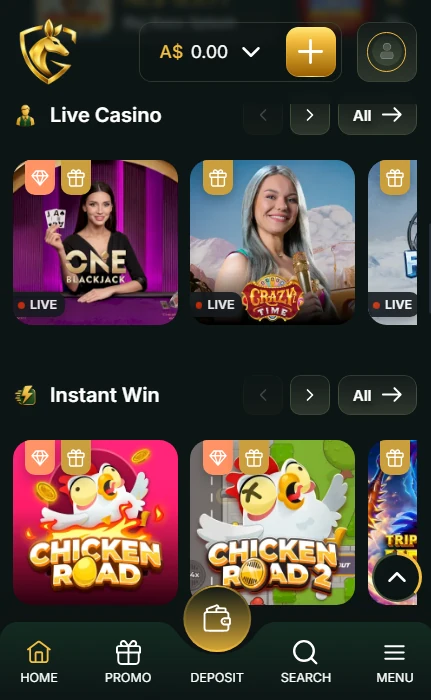
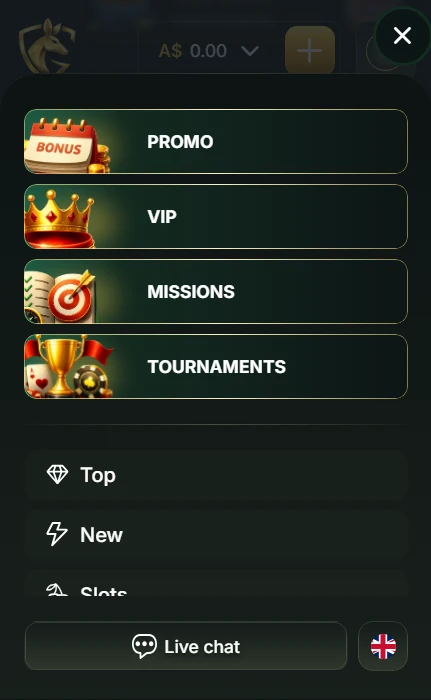
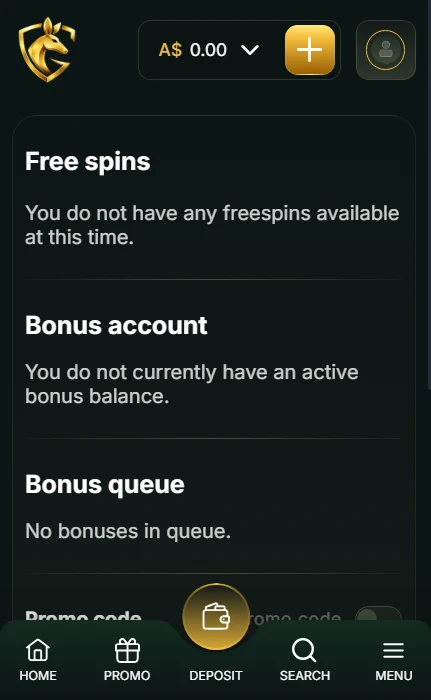
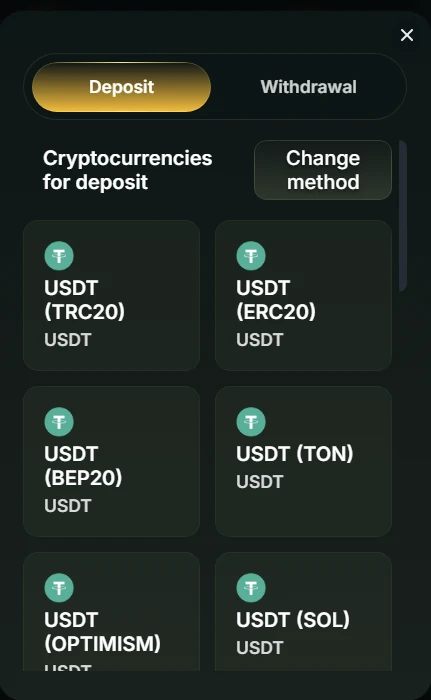
The mobile pokies gameplay by GoldenRoo replicates the gameplay on the desktop perfectly. The spinning buttons are strategically placed in ergonomic positions that enable one-handed operation, whereas the bet controls scale up proportionately to accommodate all options without clutter. All aspects of auto spin are preserved, including the stop criteria and number of spins. The casino can be opened in a horizontal position, larger screen sizes increase the visibility of the game.
Live casino games provide videos that resemble those on desktop systems, and chats work by adjusting to touch keyboards so as to make players interact with the game in real time. Videos adjust their quality according to internet connectivity speed.